
Merging data tables
I wanted to perform a task quickly, yet reliably. This led me to pick a Python notebook.

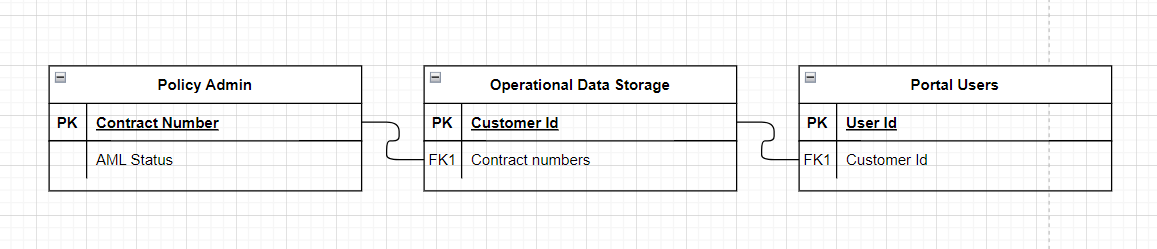
I’m currently in a process of handing over a software application with 100+ thousand active users. It means I get to do some basic data analysis from time to time. This time the task was to left join three tables.
Let’s look at some options I’ve had and which one I’ve used in the end.
Excel
It looks like a simple thing to put in three sheets and probably do a XLOOKUP, which is a successor to the true legend of VLOOKUP. Except one of the tables was shipped to me as a CSV.
Excel has an exceptionally bad interface for importing CSVs. Once upon a time I knew a way how to get to the screen with import options like delimiter, encoding, et cetera. But this was lost to me somewhere in “the ribbon”
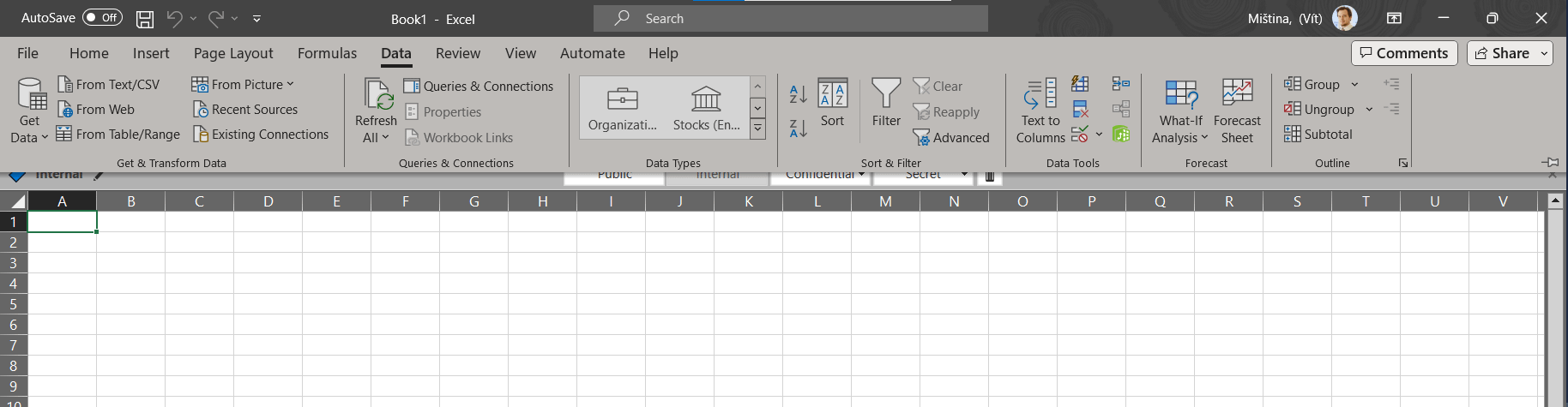
Anyways, this option seems somewhat clunky and fragile to me. At the same time it has great output options. With Pivot tables, charting and all…
Apparently the Excel has it’s appeal, as I’ve recently read about the Williams F1 team which managed their inventory of some 20 000 parts it takes to assemble a complete racing car. In Excel.
Local relational database
There is definitely an option to have a local installation of whichever relational database one favors. Postgres, MariaDB, MySQL, …
I didn’t have one installed, didn’t want to clutter my PC, didn’t want to create a VM.
At the same time I was very convinced I’m dealing with “small data” fitting comfortably to the memory of my computer. In case I’d be dealing with a bigger dataset, this might have been a better, more performant, way to solve the task.
Python
In the end I’ve chosen to go for a Python notebook. I had a temptation which drove me there. I really wanted to test drive the GitHub Copilot which has been made available to all developers in NN Group.
At the same time, a Python script has certain advantages I find intriguing:
🚫🔨 the input data stays immutable (unless you want to modify it, which doesn’t sound like a great idea)
🐼💻 the pandas library offers a rich input parsing options, both a xlsx and csv, just as I needed
👀📝nature of the script transparently shows all the steps taken to transform the data
👁️📊 the Jupiter notebook and pandas integration in VS Code allows a quick and easy view into the dataframe tables which hold the intermediate tables as one processes the data
It’s just as easy as dropping the input files into a folder, creating a new ipynb file and prompting the Copilot to read and parse the data for you.
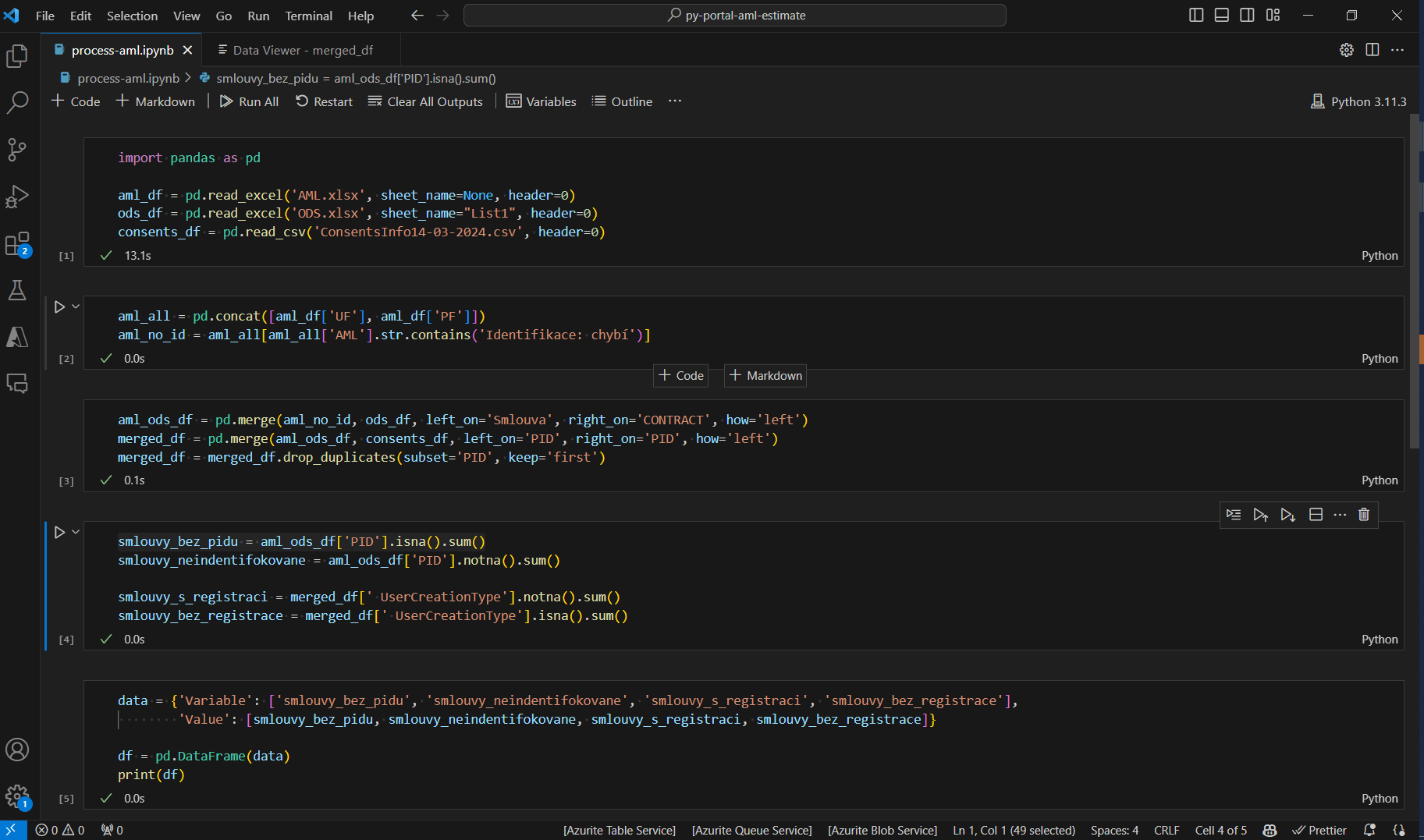
What I found interesting as I’ve progressed towards a result was the fact that Copilot tried to go beyond just suggesting next line to complete an obvious procedure. It tried to suggest some content as well. For example I was looking for the portal users with a certain status. After I extracted these counts into a separate variable, I’ve got a suggestion to also count users who gave the opt-in marketing consent.
Not something I needed or wanted and at the same time it possibly hints into the future. As the LLMs will get more energy efficient and more capable, we can expect quite powerful hints.